
Findry field tools
Truck Load Calculator for Construction
Estimate truck trips from quantity and truck capacity.
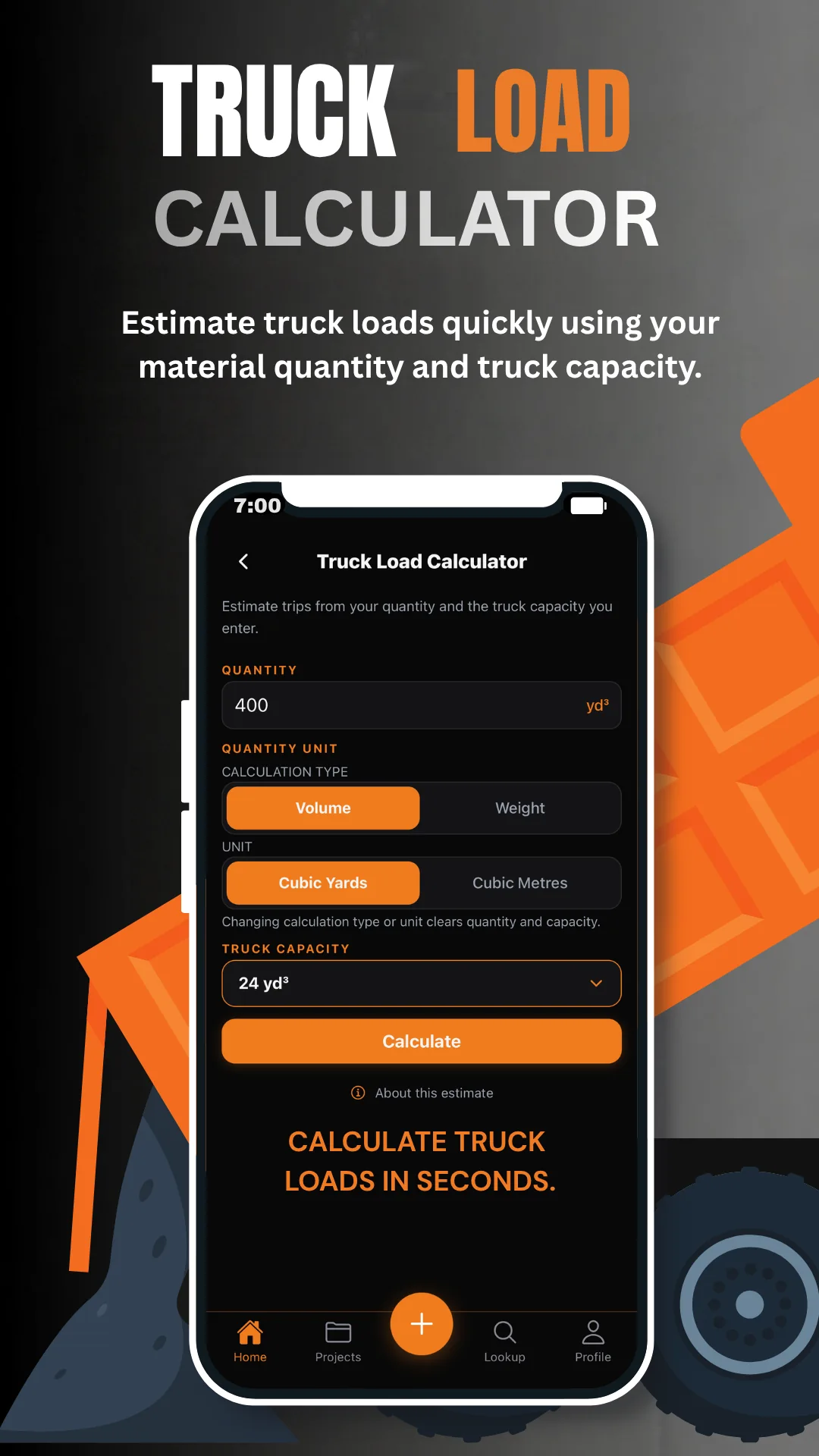
Findry’s Truck Load Calculator helps contractors and field crews estimate how many truck trips may be needed for a material quantity. Enter the quantity, choose supported volume or weight units, and enter the truck capacity you want to use for the estimate.

1 of 2
Truck trip estimates
Turn a material quantity into a quick trip estimate.
Enter the material quantity
Start with the amount of material you need to move using a supported volume or weight unit.
Set the truck capacity
Use a truck capacity that matches the vehicle or hauling setup you are estimating.
Estimate the number of trips
Findry calculates the estimated trips required from the quantity and capacity you entered.
Calculator History
Save estimates and reuse them later.
Completed truck-load calculations can be saved to Calculator History and reopened later when you need to review or reuse the estimate.
Estimates only. Findry does not determine legal payload, gross vehicle weight ratings, axle compliance, road restrictions, or safe hauling capacity. Always verify the actual vehicle, material, and legal requirements before hauling.
Part of Findry
Keep truck estimates with the rest of your field workflow.
Findry combines field calculators with project records, measurements, photos, reference points, notes, search, and jobsite documentation.